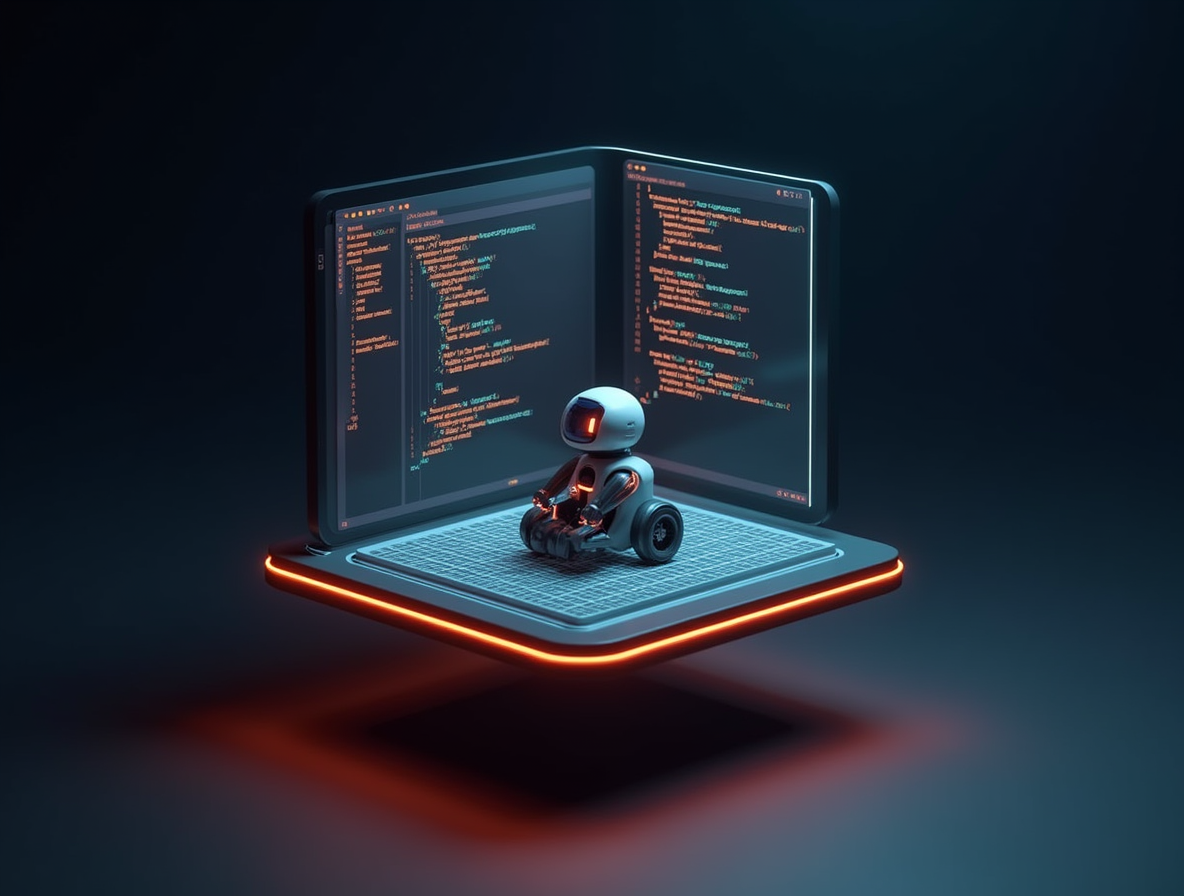
A preview of the RobotForge simulator
Browser-based robot physics with Rapier 3D, a Monaco editor, and a JavaScript control loop. Here's what's coming.
The best way to learn robotics is to watch a robot move and understand why. That's impossible if the first step is installing ROS on a laptop that's still running Homebrew from 2019.
The design constraint
Zero install. One URL. A real physics engine. A real code editor. Python and JavaScript. Saves locally. Works on a Chromebook.
The stack
- Rapier 3D for physics (Rust compiled to WebAssembly — 5-8× faster than the JS physics engines of 2020)
- Three.js for rendering
- Monaco for the code editor — same engine VS Code uses
- Pyodide for Python — lazy-loaded so the default page stays light
- Web Workers keep each simulation isolated from the main UI thread
Phase 1 lessons
At launch we'll ship three lesson templates:
- A 2-wheel differential-drive robot learning to drive straight
- An inverted pendulum learning to balance
- A 2-DOF arm learning inverse kinematics
Each lesson is a single MDX file + starter code + a scoring function. Fork, remix, submit your own.
What we won't do
We won't lock the advanced features behind a paywall just because we can. The simulator itself stays free. Courses are paid because courses are a different product — structured progression, video, office hours. The simulator is the raw material everyone gets.
Liked this?
Get a new one in your inbox. No spam. Unsubscribe in one click.
Comments
Sign in to post a comment.